Title Tag Too Long? Here's How to Fix It
Is your title tag getting cut off in Google? Learn exactly how long title tags should be, why length matters, and how to fix an oversized title fast.
Sarah Malik
Content & Keyword Expert · June 18, 2026
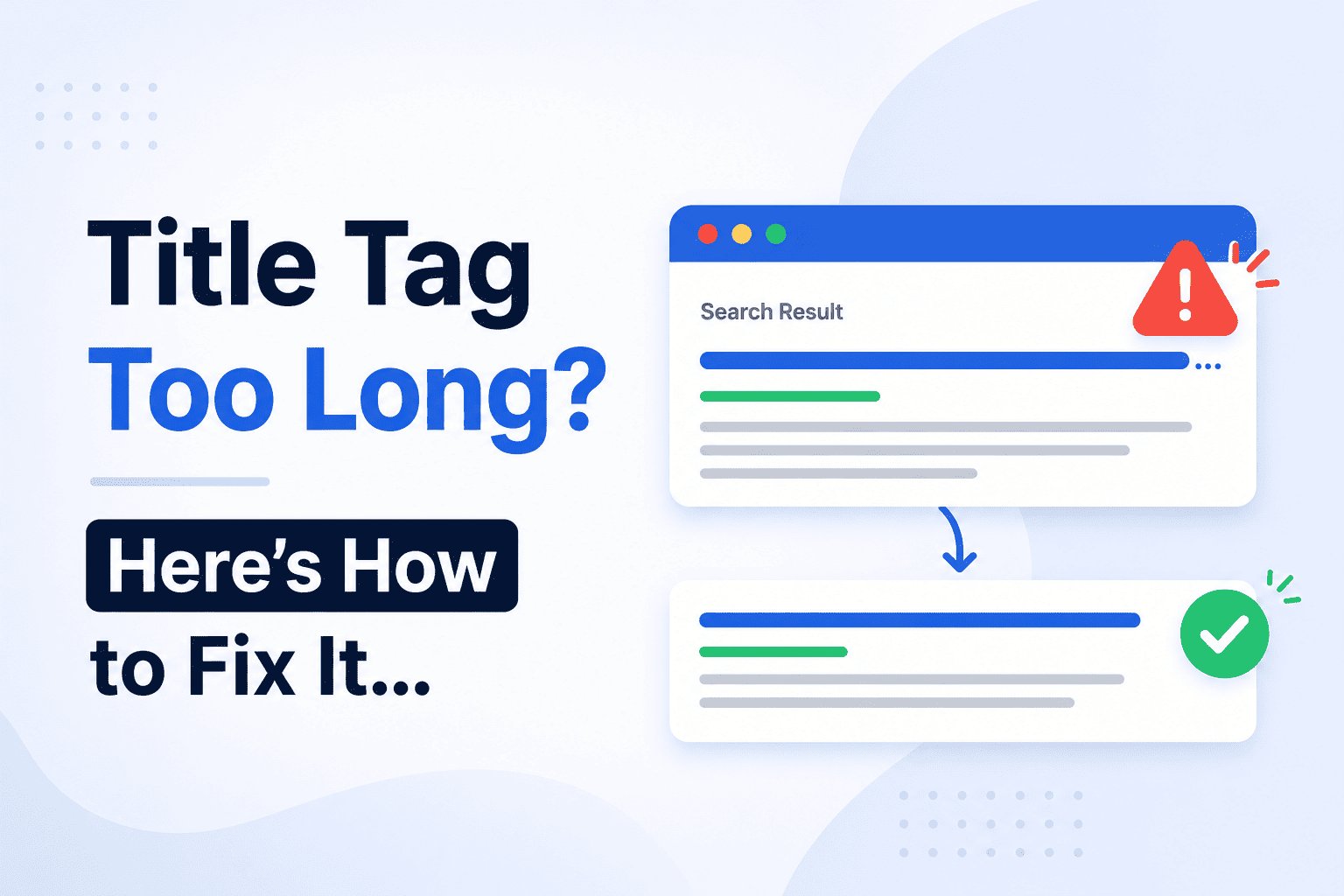
If your title tag is too long, Google cuts it off in search results — replacing the end of your title with an ellipsis (…). It looks unfinished, and it costs you clicks.
The fix is straightforward once you know the rules. This guide explains exactly how long a title tag should be, why Google truncates them, and how to trim yours without losing the keyword or the meaning.
How Long Is Too Long for a Title Tag?
Google renders title tags based on pixel width, not character count. The display limit is approximately 600 pixels wide on desktop.
In practice, this translates to roughly 50–60 characters for most standard fonts. Some characters are wider than others — a capital W takes more space than a lowercase i — so character count is an approximation, not a hard rule.
Safe zones to work within:
✅ Under 50 characters: safe but potentially too short — you may be leaving keyword space unused
✅ 50–60 characters: the ideal range for most title tags
⚠️ 60–65 characters: borderline — might display in full, might get cut depending on the characters used
❌ Over 65 characters: likely to be truncated on desktop; almost certain to be cut on mobile
The safest approach is to write your title, then check it in a live preview tool before publishing. Rankivo's Meta Tags Generator shows you exactly how your title tag renders in a Google search result — character count and pixel width considered — so there's no guesswork.
What Happens When Google Truncates Your Title Tag
When your title runs too long, Google cuts it off at the nearest word boundary and adds "…" at the end.
For example:
❌ Too long: "How to Write the Perfect SEO Title Tag for Your Blog Posts in 2026 (With Examples)"
✅ Truncated: "How to Write the Perfect SEO Title Tag for Your Blog…"
The cut happens wherever Google's pixel limit is reached. If your most important words — the keyword, the hook, the benefit — appear near the end of the title, they get cut entirely. The reader sees a truncated title that trails off, which reduces trust and click-through rate.
Worse, if Google decides your title is too long or misleading, it may rewrite it entirely using your H1 or a line of text from the page. You lose control of how your result appears.
How to Fix a Title Tag That's Too Long
Step 1: Count Your Current Characters
Paste your title into a character counter or a live preview tool. If it's over 60 characters, it needs trimming.
Step 2: Remove Stop Words
Stop words are short filler words that add length without adding meaning: a, an, the, and, or, but, for, with, in, on, of, to.
❌ Before: "How to Write the Perfect SEO Title Tag for Your Blog in 2026"
✅ After: "How to Write the Perfect SEO Title Tag (2026)"
That trim alone takes a 61-character title to 46 characters — and loses nothing important.
Step 3: Cut Redundant Modifiers
Words like "very", "really", "truly", "complete", and "ultimate" often add length without adding value. Cut them.
❌ Before: "The Complete and Ultimate Guide to Writing Perfect SEO Title Tags"
✅ After: "How to Write SEO Title Tags That Rank"
Step 4: Move the Keyword Earlier
If trimming isn't enough, restructure the title so the keyword and the most important information appear in the first 50 characters. Even if the end gets cut, the critical part survives.
❌ Before: "A Beginner's Step-by-Step Guide to Writing Better SEO Title Tags for Google"
✅ After: "SEO Title Tags: A Beginner's Step-by-Step Guide"
Step 5: Preview Before Publishing
Once you've trimmed the title, check it in a live preview before it goes live. What looks fine in a text editor can still overflow in a search result depending on the specific characters used.
One Thing to Watch on Mobile
Desktop truncation happens around 60 characters. Mobile is tighter — Google often cuts titles at around 50–55 characters on smaller screens.
If a significant portion of your traffic comes from mobile, aim for the lower end of the range. A title that displays perfectly on desktop may still be clipped on a phone.
The Fastest Way to Avoid This Problem
Write the title last, not first. Once you know exactly what the article covers, you can write a tight, specific title that fits the limit without stuffing it.
Then run it through Rankivo's Meta Tags Generator for a live preview before publishing. It takes 30 seconds and removes any uncertainty about how your title will display.
For the full guide on writing title tags that rank and get clicked — not just ones that fit — read: How to Write the Perfect SEO Title Tag (With Examples).
And for a complete walkthrough of every on-page element that affects your rankings, start with the On-Page SEO for Beginners: The Complete 2026 Guide.
This Article Is Part of Our On-Page SEO Series
📚 Explore the full Keyword Research Series
Start here:
Pillar article:
👉 On-Page SEO for Beginners: The Complete 2026 Guide
Parent cluster article:
More articles in this group:
Title Tag Too Long? Here's How to Fix It ← You are here
Explore the full series to go deeper on any topic.
Frequently Asked Questions
Does Google measure title tag length in characters or pixels?
Pixels — but since pixel width varies by character, the practical guideline is 50–60 characters. That range fits safely within Google's display limit for most standard text.
Will a long title tag hurt my rankings?
Not directly. But Google may rewrite a title it considers too long, and you lose control of how your result appears. Truncated titles also reduce click-through rates, which can indirectly affect rankings over time.
Is it okay if my title is under 50 characters?
Yes — a short, precise title is fine. The issue is going over, not under. If your title is 35–40 characters and covers the topic clearly, don't pad it just to hit 50.
Does Google cut titles differently on mobile?
Yes. Mobile displays tend to truncate slightly earlier — around 50–55 characters — compared to desktop. If mobile is a major traffic source, aim for the shorter end of the 50–60 range.
Fix your title tags in seconds with Rankivo's free Meta Tags Generator — or build your full SEO foundation at rankivo.co.
Written by
Sarah Malik
Content & Keyword Expert
Sarah blends data-driven keyword research with compelling storytelling. She helps SaaS brands build topical authority through content that ranks and converts.
Ready to create content like this?
Use RANKIVO to generate SEO-optimized content in seconds. Start free today.
Start Free — No Credit Card