Shopify Meta Title and Description How to Optimize Product Pages
Learn how to write and edit Shopify meta titles and descriptions so your product pages stand out in search and get more clicks.
July 28, 2026
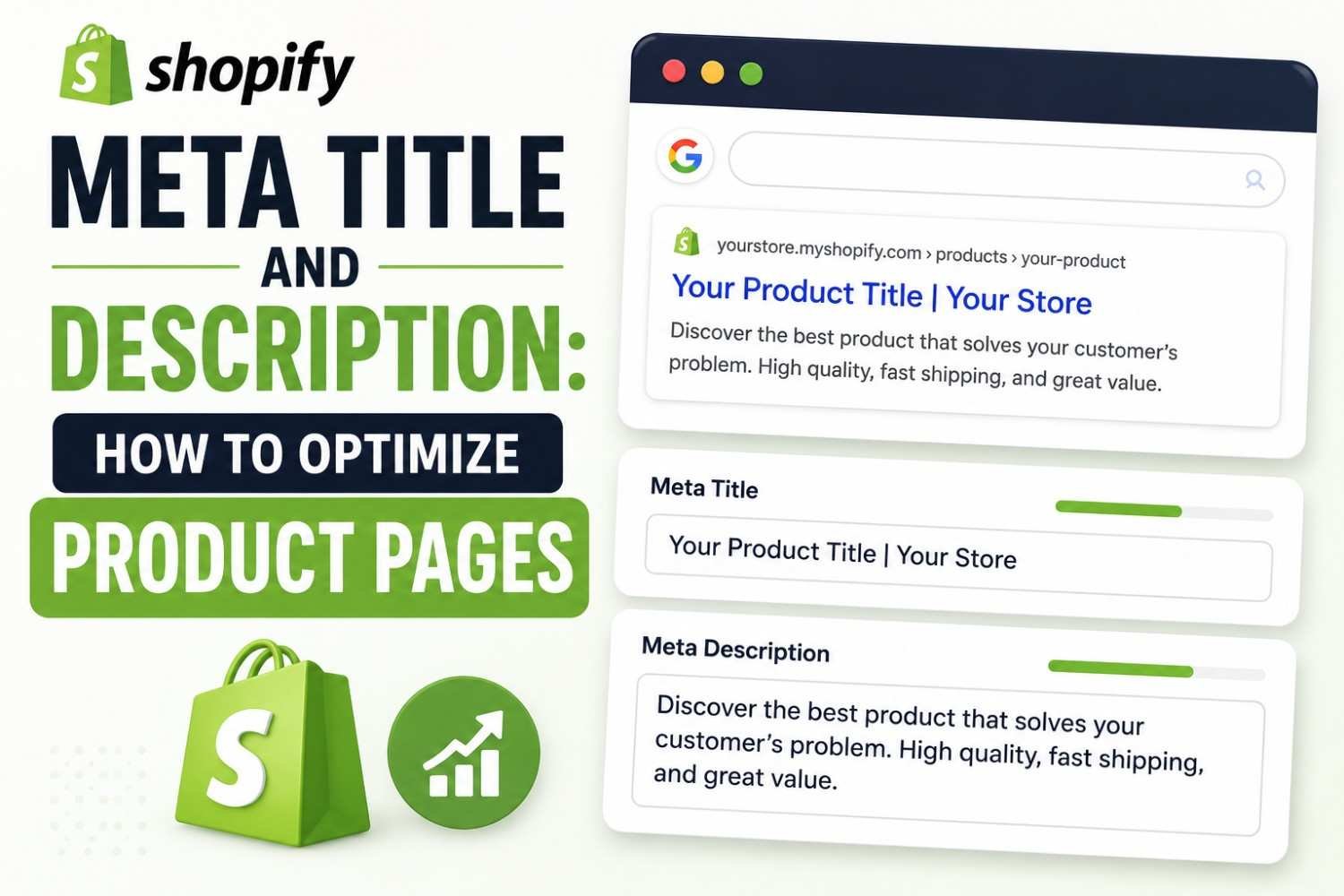
Shopify auto-generates a shopify meta description product tag from your product description by default — which usually means it's generic, cut off mid-sentence, or missing the keyword entirely. Editing it manually takes minutes and directly affects click-through rate.
Where to Edit Meta Tags in Shopify
Every product page has an "Edit website SEO" option under the "Search engine listing preview" section. This is where the meta title and meta description live, separate from the main product title and description shown to buyers.
If this field is never touched, Shopify pulls from your product title and the first line of your description — which often results in an awkward, truncated snippet in search results.
Writing a Meta Title That Works
- 👉 Lead with the primary keyword or product name
- 👉 Keep it under 60 characters so Google doesn't truncate it
- 👉 Avoid repeating your store name in every single product's meta title — it wastes space
Writing a Meta Description That Gets Clicks
The meta description doesn't directly affect ranking, but it heavily influences whether someone clicks your result over a competitor's. Treat it as a mini pitch, not a summary.
- ✅ Include the primary keyword naturally within the first sentence
- ✅ Mention one concrete detail that differentiates the product
- ✅ Keep it between 150-160 characters so it doesn't get cut off
- ❌ Don't leave it blank and let Shopify auto-generate it from body copy
For a deeper walkthrough of writing descriptions that convert clicks into visits, see our guide on writing a meta description that gets clicks.
Doing This at Scale
Editing meta tags one product at a time is manageable for a small catalog, but becomes tedious fast past 50-100 SKUs. Rather than leaving later products on Shopify's auto-generated default, running your product list through the Rankivo Meta Tags Generator speeds up writing consistent, keyword-aware meta titles and descriptions across the catalog.
A Quick Meta Tag Checklist
- ✅ Meta title under 60 characters, keyword near the front
- ✅ Meta description between 150-160 characters
- ✅ Both manually written, not left on Shopify's auto-generated default
- ✅ No duplicate meta descriptions across similar product variants
Conclusion
Editing your shopify meta description product tags is one of the fastest SEO wins available on the platform — it takes minutes per page and directly affects how many people click through from search. Start with your highest-traffic products and work outward. For the full product page optimization process, see our guide on Shopify product page SEO.
FAQ
Does Shopify automatically write meta descriptions?
Yes, if left blank, Shopify pulls text from the product description to fill the meta description. This often results in a generic or truncated snippet, so editing it manually is recommended.
How long should a Shopify meta description be?
Aim for roughly 150-160 characters so the full description shows in search results without being cut off.
Where do I edit meta tags on a Shopify product page?
Under the "Search engine listing preview" section on each product's edit page, accessed via the "Edit website SEO" link.
Editing meta tags one by one across a large catalog takes time you might not have.
Ready to create content like this?
Use RANKIVO to generate SEO-optimized content in seconds. Start free today.
Start Free — No Credit Card