What Is Alt Text and Why Does It Matter for SEO?
Alt text affects accessibility, image rankings, and how search engines understand your page. Learn what it is, how to write it, and common mistakes to avoid.
Alex Carter
SEO Strategist · June 29, 2026
What Is Alt Text and Why Does It Matter for SEO?
If you've ever published a blog post and uploaded an image without filling in a small text field underneath it, you've skipped alt text — and missed an easy SEO and accessibility win.
It takes seconds to add. Most people skip it anyway. Here's what it actually does, and how to write it properly.
What Is Alt Text?
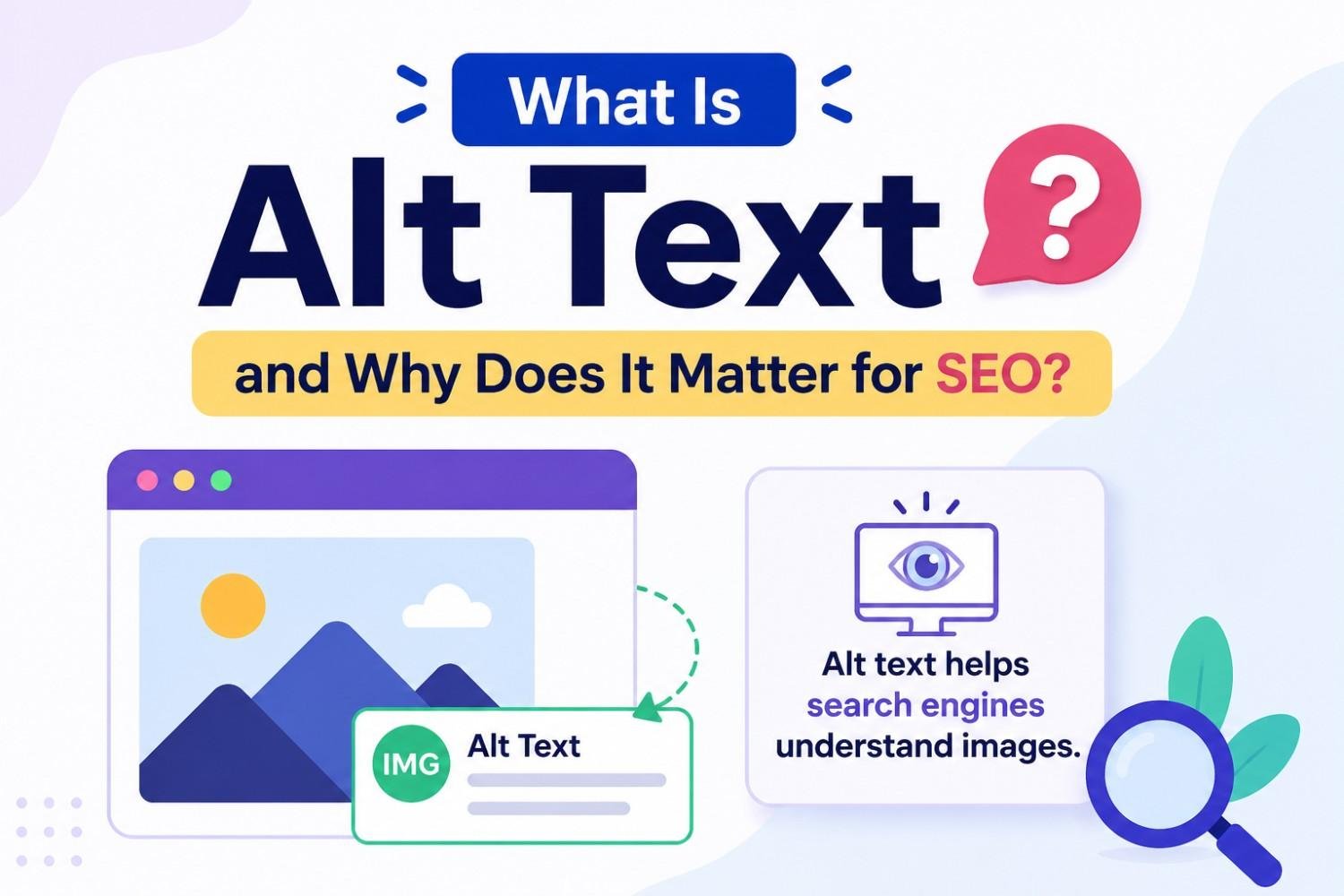
Alt text — short for "alternative text" — is a written description of an image, added through the alt attribute in a page's HTML code.
It exists for a simple reason: not everyone can see images. Screen readers used by visually impaired users read alt text aloud, describing what the image shows. If an image fails to load — due to a slow connection or broken file — alt text appears in its place.
Search engines can't "see" images the way humans do either. They rely heavily on alt text, file names, and surrounding content to understand what an image depicts and whether it's relevant to the page.
In short: alt text bridges the gap between visual content and anything (or anyone) that can't process an image directly.
Why Alt Text Matters for SEO
Alt text contributes to image SEO optimization in a few specific ways:
✅ Image search visibility — Google Images is a real traffic source. Well-written alt text helps your images appear in image search results for relevant queries.
✅ Contextual signals — Alt text adds to the overall topical signal of a page. An image described accurately reinforces what the surrounding content is about.
✅ Accessibility, which affects rankings indirectly — Search engines factor in overall page quality and user experience. Accessible pages — including proper alt text — contribute to that broader quality picture.
✅ Fallback content — If an image fails to load, alt text ensures the page still makes sense, rather than leaving a blank gap with no context.
None of these will single-handedly transform your rankings. But across a site with dozens or hundreds of images, missing alt text is a consistent, easily fixable gap — and search engines notice consistent gaps.
How to Write Good Alt Text
✅ Describe what's actually in the image — Be specific and accurate. "A laptop showing a blog dashboard with an SEO score of 87" is far more useful than "laptop image."
✅ Keep it concise — Aim for roughly 5 to 15 words. Long, rambling descriptions aren't necessary and can look like keyword stuffing.
✅ Include your keyword only if it fits naturally — If your article is about meta descriptions and the image shows a meta description being edited, "editing a meta description in a content editor" is natural and relevant. Don't force a keyword into an image that has nothing to do with it.
❌ Don't start with "image of" or "picture of" — Screen readers already announce that it's an image. Adding "image of" is redundant. Just describe the content directly.
✅ Leave decorative images empty — If an image is purely decorative — a background pattern, a divider line — and adds no informational value, it's acceptable to leave the alt attribute empty (
alt=""). This tells screen readers to skip it, rather than describing something irrelevant.
Common Alt Text Mistakes
❌ Leaving it blank for informative images — The most common mistake. Every image that conveys information should have a description.
❌ Keyword stuffing — Writing alt text like "SEO tips SEO guide SEO strategy blog SEO" helps no one and can look manipulative to search engines.
❌ Generic file names as alt text — "IMG_4821.jpg" as the alt text provides zero information. Always replace default file names with a real description.
❌ Describing irrelevant detail — Focus on what's relevant to the page's topic, not every visual element. If a screenshot shows a dashboard, describe the relevant part of the dashboard — not the colour of the browser window around it.
A Quick Alt Text Checklist
Before publishing, check each image on your page:
✅ Does it have alt text that describes its actual content?
✅ Is it concise — roughly 5 to 15 words?
❌ Does it avoid "image of" or "picture of"?
✅ Is the keyword included only if it fits naturally?
✅ Are purely decorative images left with an empty alt attribute?
Rankivo's SEO Score Checker flags missing or weak alt text as part of its image optimization checks — so you can catch this across your whole article before it goes live.
The Takeaway
Alt text is a small detail with a real impact — on accessibility, on image search visibility, and on the overall quality signals search engines pick up from your page.
Describe your images accurately, keep it concise, and skip it only for genuinely decorative elements. It's one of the fastest on-page SEO guide for beginners wins available, and most sites still get it wrong.
This Article Is Part of Our On-Page SEO Series
📚 Explore the full Keyword Research Series
Start here:
Pillar article:
👉 On-Page SEO for Beginners: The Complete 2026 Guide
Parent cluster article:
👉 Image SEO: How to Optimize Images for Search Engines
Other articles in this group:
What Is Alt Text and Why Does It Matter for SEO? ← You are here
Explore the full series to go deeper on any topic.
FAQ
What is alt text used for?
Alt text describes an image's content for screen readers, search engines, and as a fallback if the image fails to load. It supports both accessibility and SEO.
Does alt text directly improve search rankings?
It's not a major standalone ranking factor, but it contributes to image search visibility, contextual relevance, and overall page quality — all of which support SEO.
How long should alt text be?
Roughly 5 to 15 words is ideal. It should accurately describe the image without becoming a long, keyword-stuffed sentence.
Should every image have alt text?
Every informative image should. Purely decorative images (like dividers or background patterns) can have an empty alt attribute so screen readers skip them.
What's a common alt text mistake?
Leaving it blank, using generic file names like "IMG_1234.jpg," or stuffing it with repeated keywords. All three reduce its value for both accessibility and SEO.
Want to check if your images, headings, and content are all working together for SEO? Rankivo's SEO Score Checker reviews your full page in one pass, including image optimization. Start free at www.rankivo.co.
Written by
Alex Carter
SEO Strategist
Alex has spent 8+ years helping brands dominate search rankings. Specializes in technical SEO, keyword strategy, and content systems that drive compounding organic traffic.
Ready to create content like this?
Use RANKIVO to generate SEO-optimized content in seconds. Start free today.
Start Free — No Credit Card