Meta Description Too Short or Too Long - What Actually Matters
Does meta description length actually affect SEO? Learn the ideal character count, what happens when it's too short or too long, and how to get it right.
Sarah Malik
Content & Keyword Expert · June 21, 2026
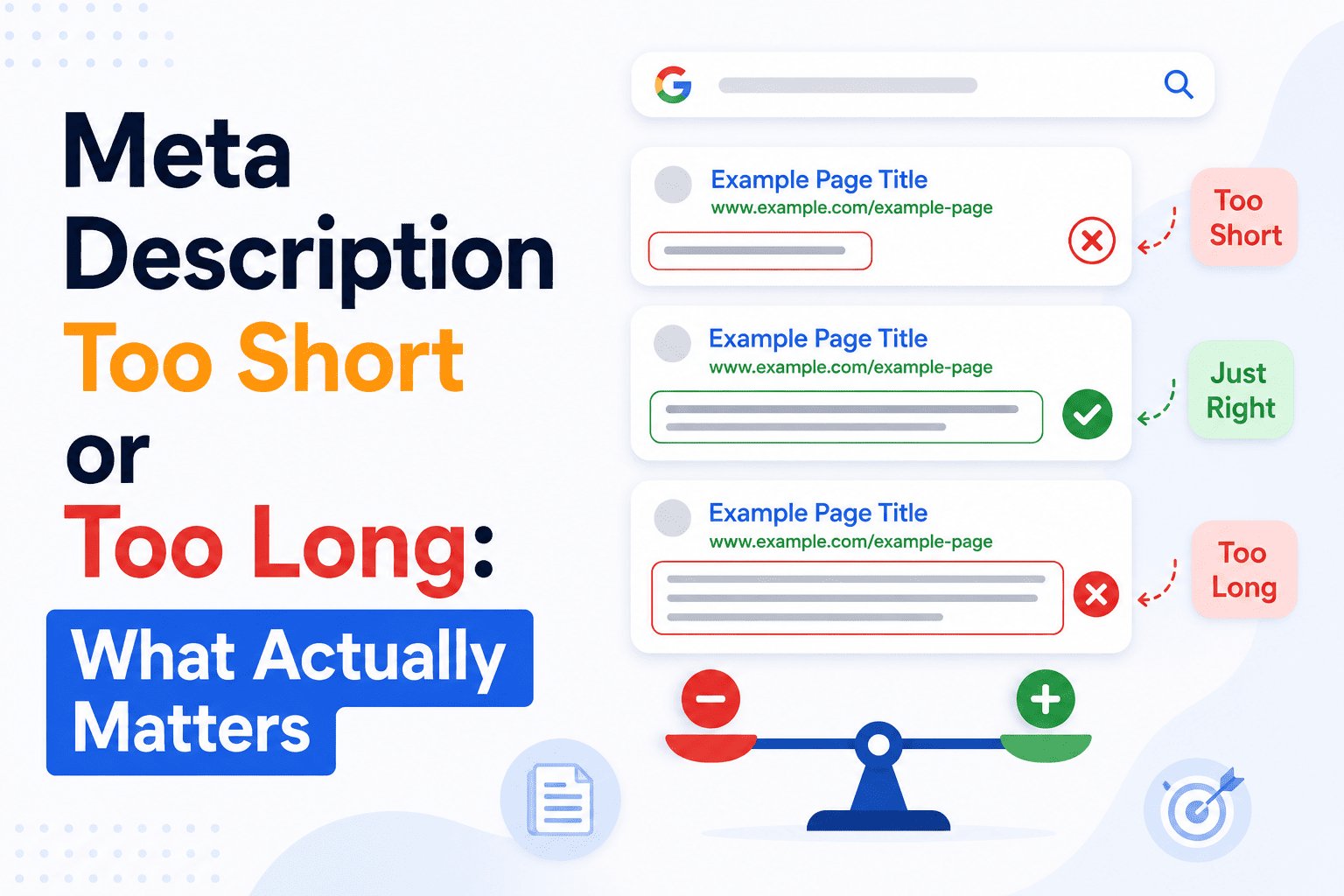
Meta description length is one of those topics that sounds simple but trips people up constantly.
Too long and Google cuts it off. Too short and you waste valuable space. And because meta description length has a direct impact on your click-through rate in search results, getting it wrong costs you traffic — even when your page is ranking well.
Here's what you need to know: what the limits are, what happens at each extreme, and what actually matters most.
What Is the Ideal Meta Description Length?
The standard recommendation is 150–160 characters, including spaces.
Google doesn't measure length in characters, though — it measures in pixels, just like it does with title tags. The display limit is approximately 920 pixels wide on desktop. In practice, 150–160 characters gets you safely within that limit for most standard text.
On mobile, the limit is tighter. Google typically truncates meta descriptions at around 120–130 characters on smaller screens.
If a large share of your audience arrives via mobile — and for most sites, more than half do — you should aim for the lower end of the range. Packing your most important information into the first 120 characters ensures nothing critical gets cut on any device.
What Happens When Your Meta Description Is Too Long
When your description exceeds Google's pixel limit, it gets truncated with an ellipsis (…).
For example:
Written: "Learn how to write meta descriptions that improve your click-through rate in Google search results. Includes length rules, formulas, real examples, and a free preview tool to check yours before publishing."
Displayed: "Learn how to write meta descriptions that improve your click-through rate in Google search results. Includes length rules, formulas…"
The result looks unfinished. If your hook, keyword, or call to action appears near the end of the description, it gets cut entirely — and the reader never sees it.
The fix is simple: front-load your description. Put the most important information — the keyword, the benefit, the reason to click — in the first 130 characters. That way, even a truncated description still communicates the essentials.
What Happens When Your Meta Description Is Too Short
A short meta description isn't penalised by Google directly. But it creates two problems.
First, you're leaving space unused. A 60-character description has room for maybe eight words. That's rarely enough to communicate what the page covers, why it's worth clicking, and what the reader will get. You're competing against results with full, compelling descriptions — and yours is a stub.
Second, when your description is very short, Google is more likely to replace it with auto-generated text pulled from the page. That replacement is usually worse than what you'd have written yourself.
The practical lower limit is around 120 characters. Below that, you're not giving Google — or the reader — enough to work with.
Does Meta Description Length Affect Rankings?
Directly, no. Google has confirmed that meta descriptions are not a ranking factor.
But length affects click-through rate, and click-through rate matters. A well-written description at the right length gets more clicks. More clicks — especially when users stay on the page — send positive signals back to Google over time.
So while you won't rank higher simply by fixing your description length, you can lose ground by ignoring it. A strong page with a weak description underperforms its potential.
The Real Thing That Matters More Than Length
Length is a constraint, not a strategy.
The actual goal is to write a description that makes someone choose your result over every other result on the page. Length just defines the boundaries you're working within.
Within those 150–160 characters, your description needs to:
✅ Tell the reader what the page is about
✅ Include your primary keyword (Google bolds it in results)
✅ Communicate a clear benefit or reason to click
✅ Read naturally — not like a keyword list or a terms-and-conditions summary
A 145-character description that does all four of those things beats a perfectly-lengthed 158-character description that does none of them.
Use Rankivo's Meta Tags Generator to write and preview your meta description before publishing. It shows you a live character count and a real search result preview — so you can see exactly what a user will see before you hit publish.
For the complete guide on writing meta descriptions that earn clicks, read: How to Write a Meta Description That Gets Clicks.
And for the full picture of on-page SEO beyond meta descriptions, start with the On-Page SEO for Beginners: The Complete 2026 Guide.
This Article Is Part of Our On-Page SEO Series
📚 Explore the full Keyword Research Series
Start here:
Pillar article:
👉 On-Page SEO for Beginners: The Complete 2026 Guide
Parent cluster article:
👉 How to Write a Meta Description That Gets Clicks
More articles in this group:
Description Too Short or Too Long: What Actually Matters ← You are here
Explore the full series to go deeper on any topic.
Frequently Asked Questions
What is the maximum length for a meta description?
Google displays up to approximately 160 characters on desktop before truncating. On mobile the limit is closer to 120–130 characters. Writing descriptions that fit within 150–155 characters keeps you safely within both limits.
Is a short meta description better than a long one?
Neither is inherently better — the goal is to use the available space well. A concise 130-character description that communicates clearly beats a padded 160-character one. But a description under 100 characters is usually too short to be competitive.
Will Google always show the meta description I write?
No. Google overrides your description when it decides content from your page better matches the search query. Writing a clear, keyword-relevant description reduces how often this happens, but it's not guaranteed.
Should I write a different meta description for mobile?
You can't set separate descriptions for desktop and mobile — it's a single field. Instead, put your most important information in the first 120 characters so it displays fully on any device.
Does changing meta description length affect how fast I rank?
No — meta descriptions aren't a direct ranking signal. But improving them can lift your click-through rate, which is a positive engagement signal that can support rankings over time.
Preview your meta description exactly as Google will show it — try Rankivo's free Meta Tags Generator — or explore the full SEO toolkit at rankivo.co.
Written by
Sarah Malik
Content & Keyword Expert
Sarah blends data-driven keyword research with compelling storytelling. She helps SaaS brands build topical authority through content that ranks and converts.
Ready to create content like this?
Use RANKIVO to generate SEO-optimized content in seconds. Start free today.
Start Free — No Credit Card